



Build preview

Everything we've built for Cardfirmed so far.

Open each part below and look around, then send us your notes on Telegram or by email. Everything here runs on demo deals; nothing is public yet.

Updated Nov 9, 2026 · Sprint 1 of 2 · Working demo Nov 20 · Launch Dec 4

Ready for your review

The Instagram posts

Announcements

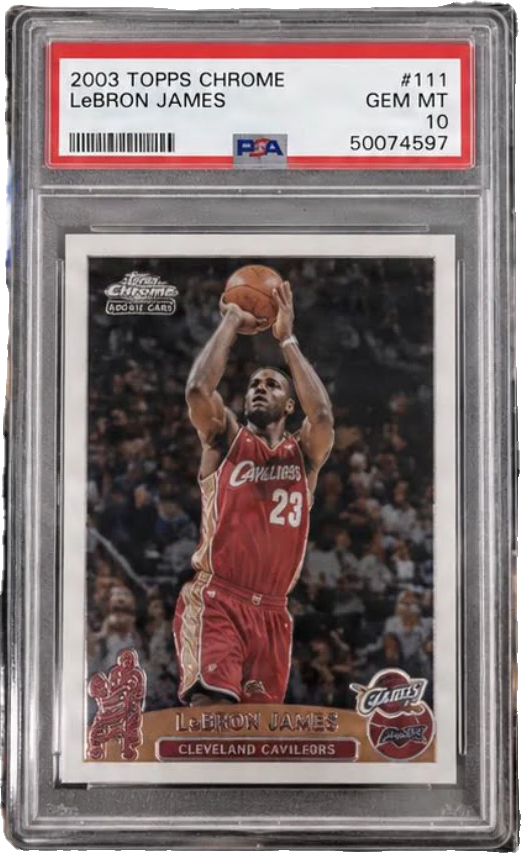
Every confirmed sale becomes a post, a close-up slide of the slab and a story, made automatically from the deal. You'll see your two mockups rebuilt, two layouts of our own, four ways to show the price and details, and the caption that goes with each post.

Your callPick one layout and one info style, for example “Layout 2 + Plate”. Every post will use it, so the feed stays consistent.

Open announcements
Colours, type and components

Design system

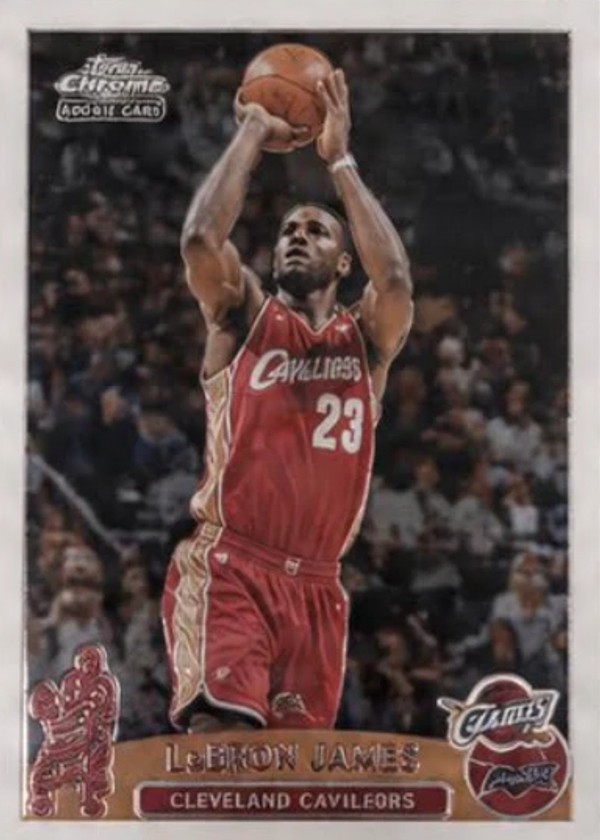
The pieces every screen is built from: your green and black, the typefaces, the graded slab with its ticket label, badges, buttons and form fields. Light and dark mode.

Your callTell us anything that feels off-brand.

Open the design system

A first rough draft

Home page draft

How the site's front page could look with demo sales. It's a placeholder: the real home page gets its own design pass before launch, and its links to Deals and Submit aren't built yet.

Your callEarly reactions only. Nothing here is final.

Open the draft

What we need from you

These are the things only you can give us. Each one unlocks a piece of the build.

  • Your pick: one announcement layout and one info styleUnlocks: The final post design
  • The proof you need for each type of sale: bank transfer, auction, card shop, private saleUnlocks: The submit form and the review checklist
  • GoDaddy access, ideally by adding us as a delegateUnlocks: The domain and the site going live
  • The EIN, then a Stripe account for the LLCUnlocks: Taking payments
  • A few video posts you likeUnlocks: Scoping video announcements
  • Your logo files (SVG, AI or PDF)Unlocks: Replacing our recreation of the logo
  • Access to the Instagram business accountUnlocks: Posting automatically

How a deal moves through Cardfirmed

The loop we're building, in order, and where each step stands today.

  1. 01Submit a deal

    The collector enters the card, the price, the people involved and the proof of sale.

    Building next
  2. 02Pay

    Card payment through Stripe, or free during the launch period.

    Waiting on Stripe
  3. 03Review

    Your team checks the proof privately, then approves, rejects or asks for more.

    Building next
  4. 04Announcement

    The post is made from the deal. AI makes the photo; every word and number is drawn by code.

    Built, needs your pick
  5. 05Proof

    The submitter approves the finished post before anything goes live.

    Building next
  6. 06Publish

    Posted to @cardfirmed on Instagram as a carousel and a story.

    Sprint 2
  7. 07Deal page

    Each confirmed sale gets its own page on the site.

    Building next

Timeline

  1. Nov 9 – 20We are hereSprint 1

    The full loop working with test deals: submit, pay, review, announcement, proof, deal page. Demo on Nov 20.

  2. Nov 23 – Dec 3Sprint 2

    The public site, Instagram publishing and video.

  3. Dec 4Launch

    The first real sale published on Instagram and the site.